How do I change my password/ username?
By Guillermo1 min read
To modify your password and username, simply navigate to Account Settings and select the option to change your password.
To modify your password and username, simply navigate to Account Settings and select the option to change your password.
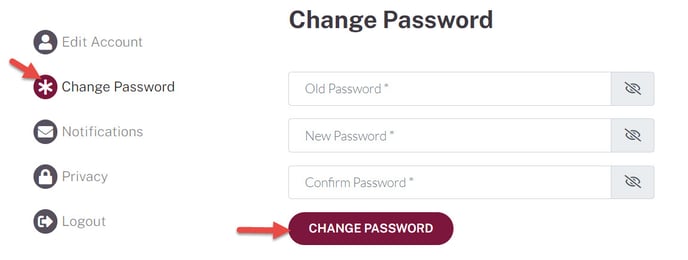
- Go to your Account>Account Settings>click on Change Password.
- Click Change Password