How do I add an education?
By Guillermo1 min read
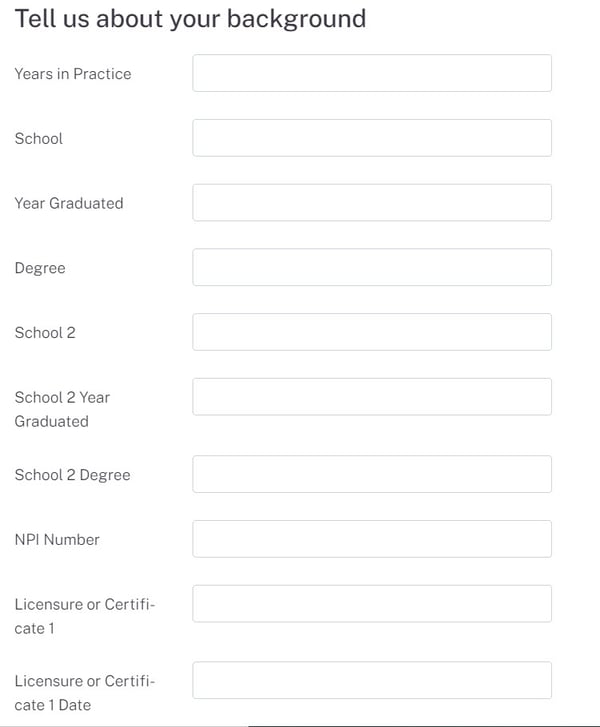
From your account, go to your Listing, select Edit, scroll down to Tell us about your background to add/edit your education, and click Submit Listing to update.
From your account, go to your Listing, select Edit, scroll down to Tell us about your background to add/edit your education, and click Submit Listing to update.
- From your account, go to your Listing, and select Edit by clicking on the three dots.
- Then scroll down to Tell us about your background, this is where you can add and/ or edit your education.
- Finally, click Submit Listing to update your listing.